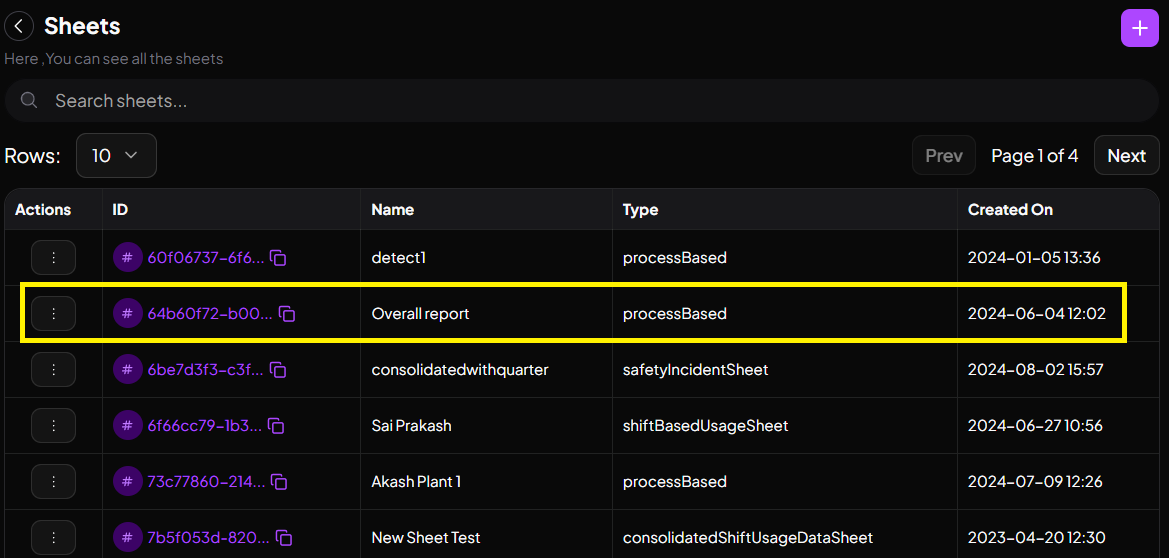
Process Based Usage Sheet
The sheet is designed to share usage data for processes across multiple machines over various timeframes: Month-to-Date (MTD), Last Month-to-Date (LMTD), and Year-to-Date (YTD). Each process can be mapped to the sheet along with its respective machine parameters.
To create a Process Based Sheet, click on Process Based Usage. The below page appears.
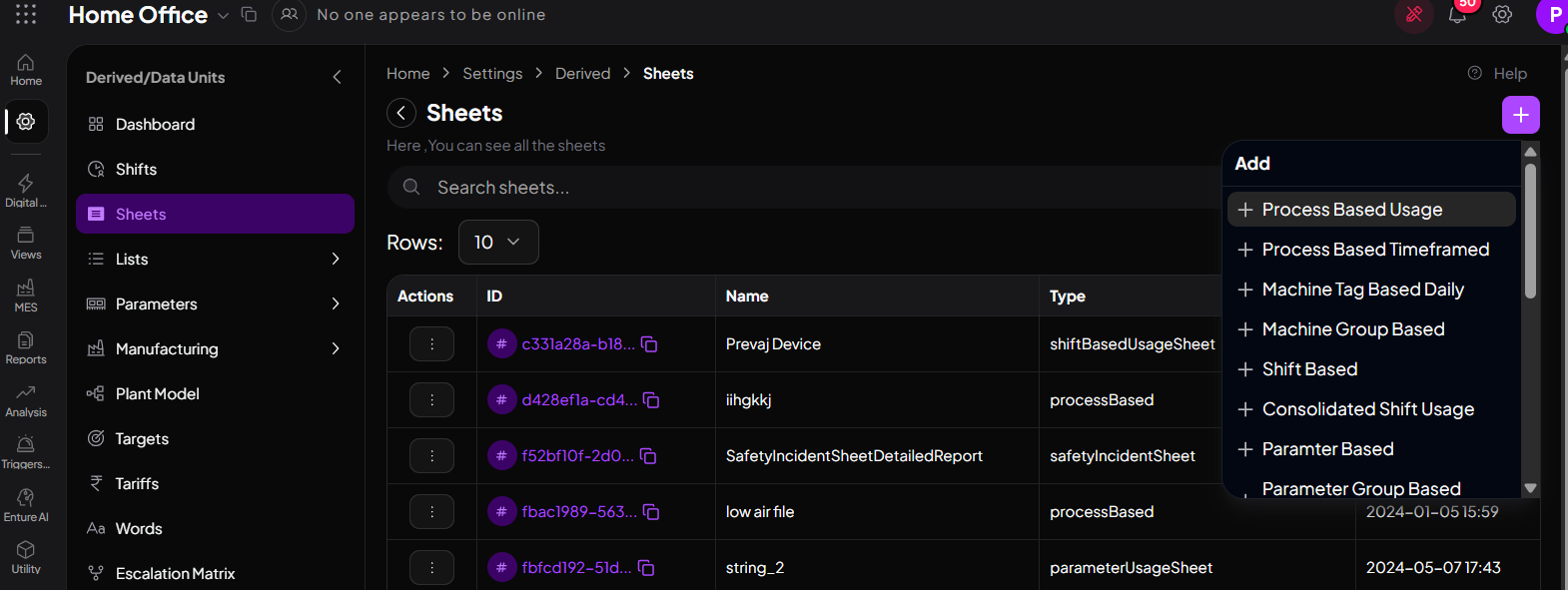
Step 1
Here you need to fill in the Sheet Name, select your Time Frame, give your process a label, and select your process.
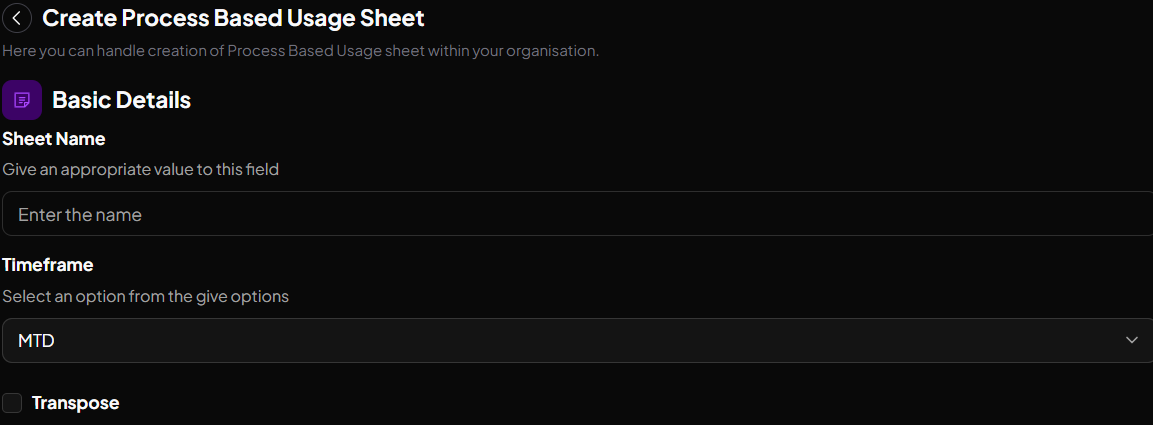
Step 2
Add your Tag Types by clicking on Add. Your process will be added below. Finally, click Create.
The following images will help you for better understanding.
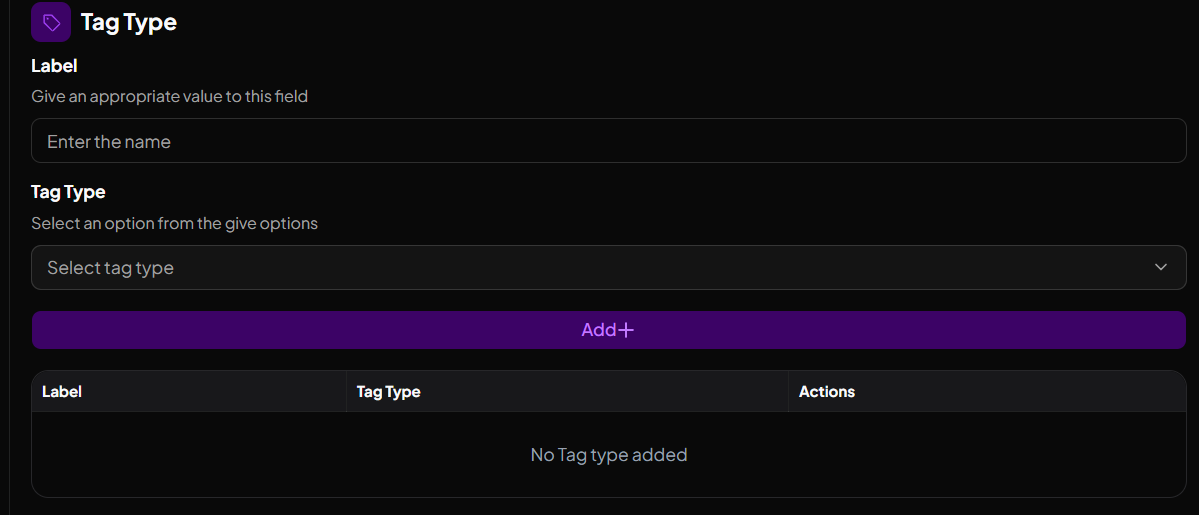
The page will look like the one shown below.
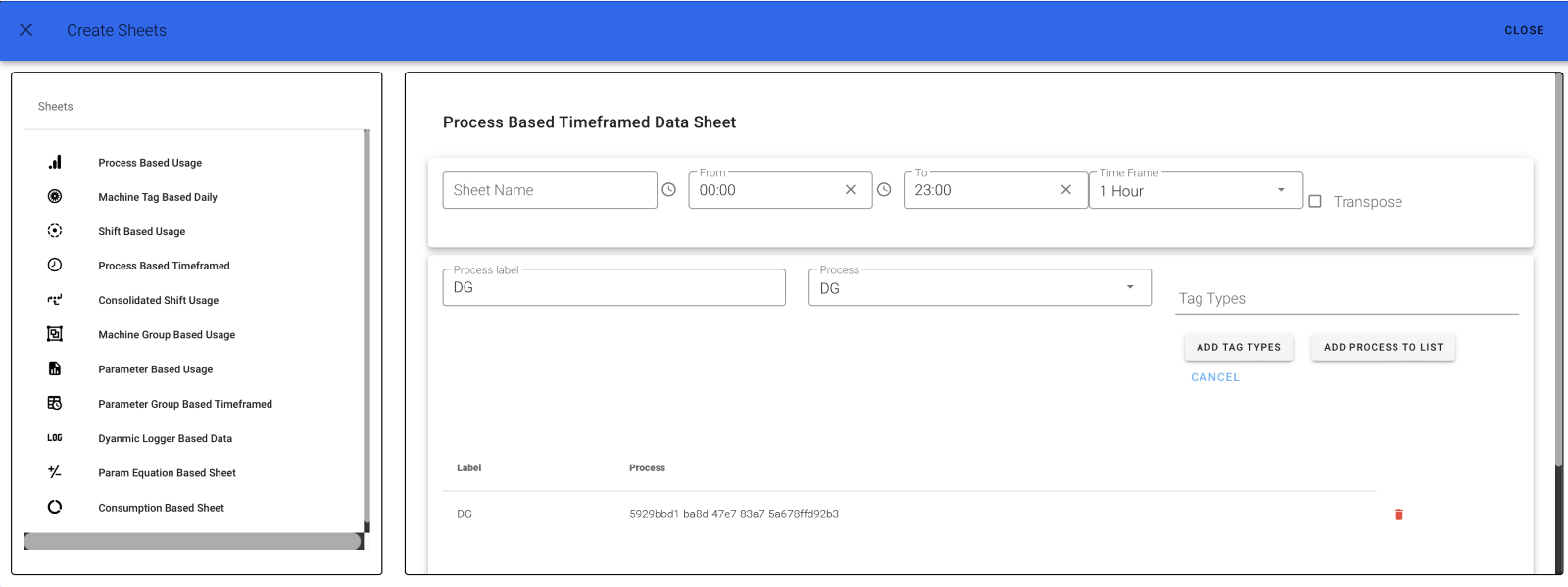
Step 3
Fill in your Tag Label and select your Tag Type, then click on ADD.
Step 4
The below image shows how a tag type is added to the list.

Step 5
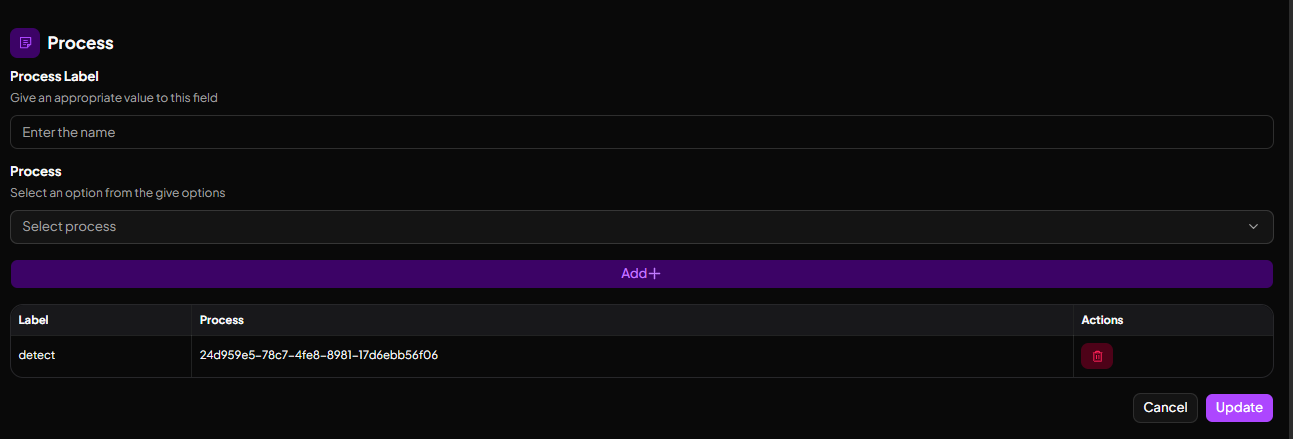
Now click on ADD to add the tag type list to the process.
The image below shows how a tag type list is added to the process list. You can also delete your tag type.
Finally, click on Create.
Step 6
A fully created Process Based Usage Sheet will look like this.