Parameter Based Usage Sheet
This sheet allows mapping a machine to a specific parameter one at a time. With this, we can add machines to a parameter-based report, and the timeframe can be selected as Month To Date (MTD), Last Month To Date (LMTD), or Year To Date (YTD).
We also have an option to select statistics (Min & Max).
Getting Started
Give your sheet a name and select your time frame from:
- Month To Date (MTD)
- Year To Date (YTD)
- Last Month To Date (LMTD)
- Yesterday
- Last 30 Days
- Last 60 Days
- Last 90 Days
- Last 365 Days
Then, choose your statistics from the dropdown checklist: Max, Min, or both.
Select either Machine or Device Parameter using the radio buttons.
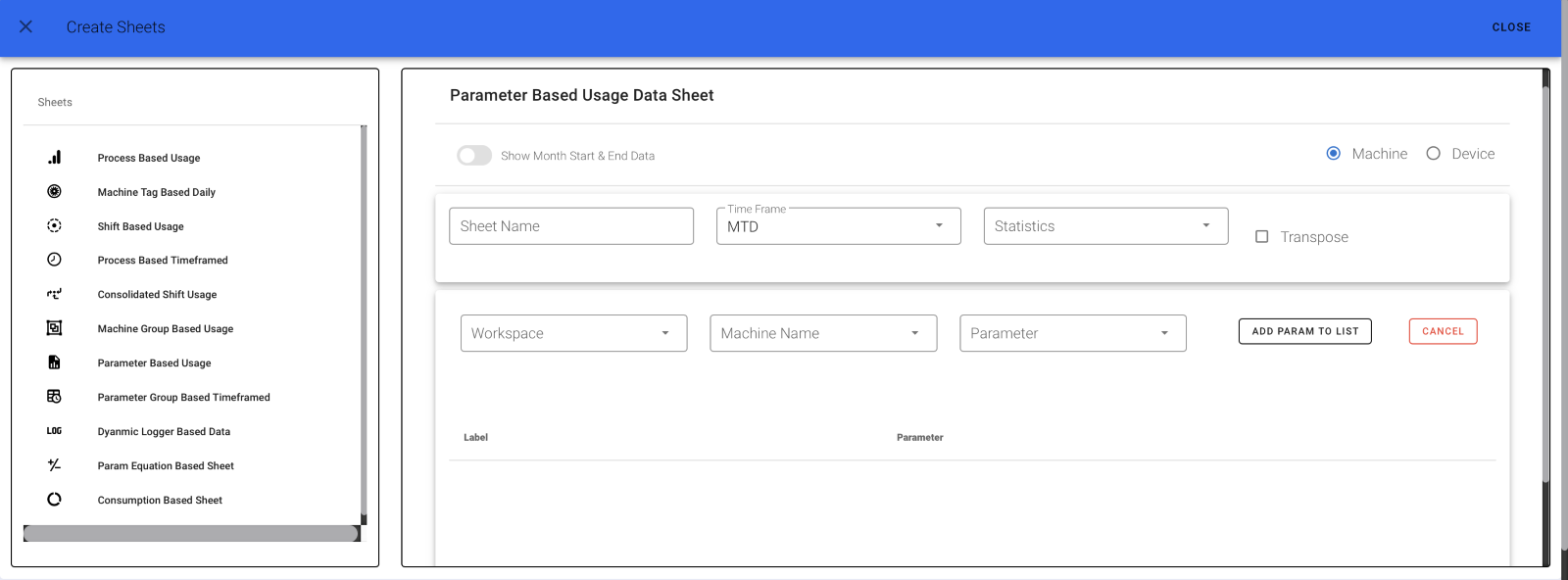 

Step 1
Select your workspace, your machine or device name, and the desired parameter.
Then click the ADD button.
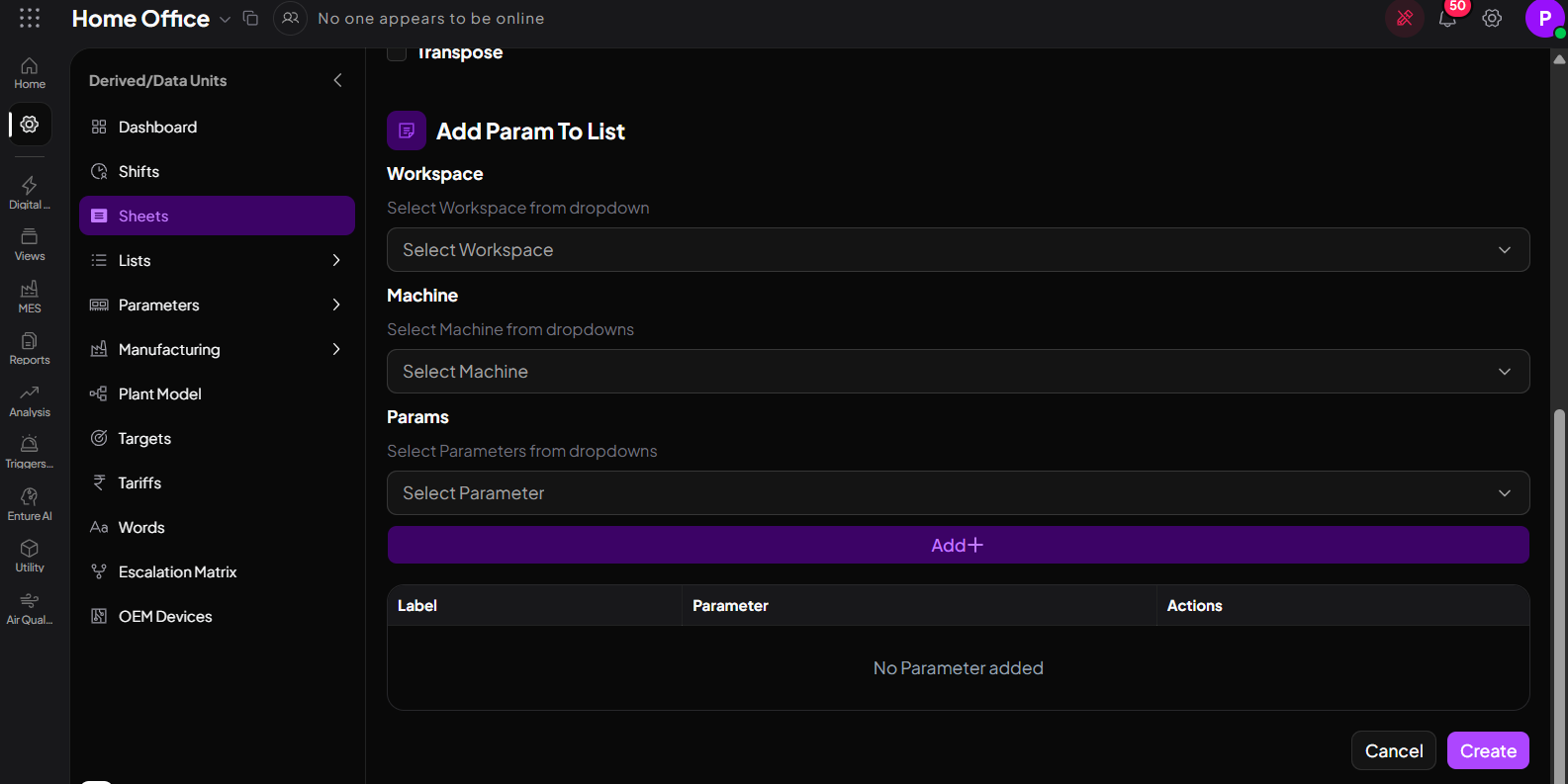
Step 2
For a monthly report, you can also select the Show Month Start & End Data option.
Finally, click Create.