Reports
Reports section contains the actual information of the parameters with various kinds of data visualizations for a particular time period.
Navigating to Reports & Analysis
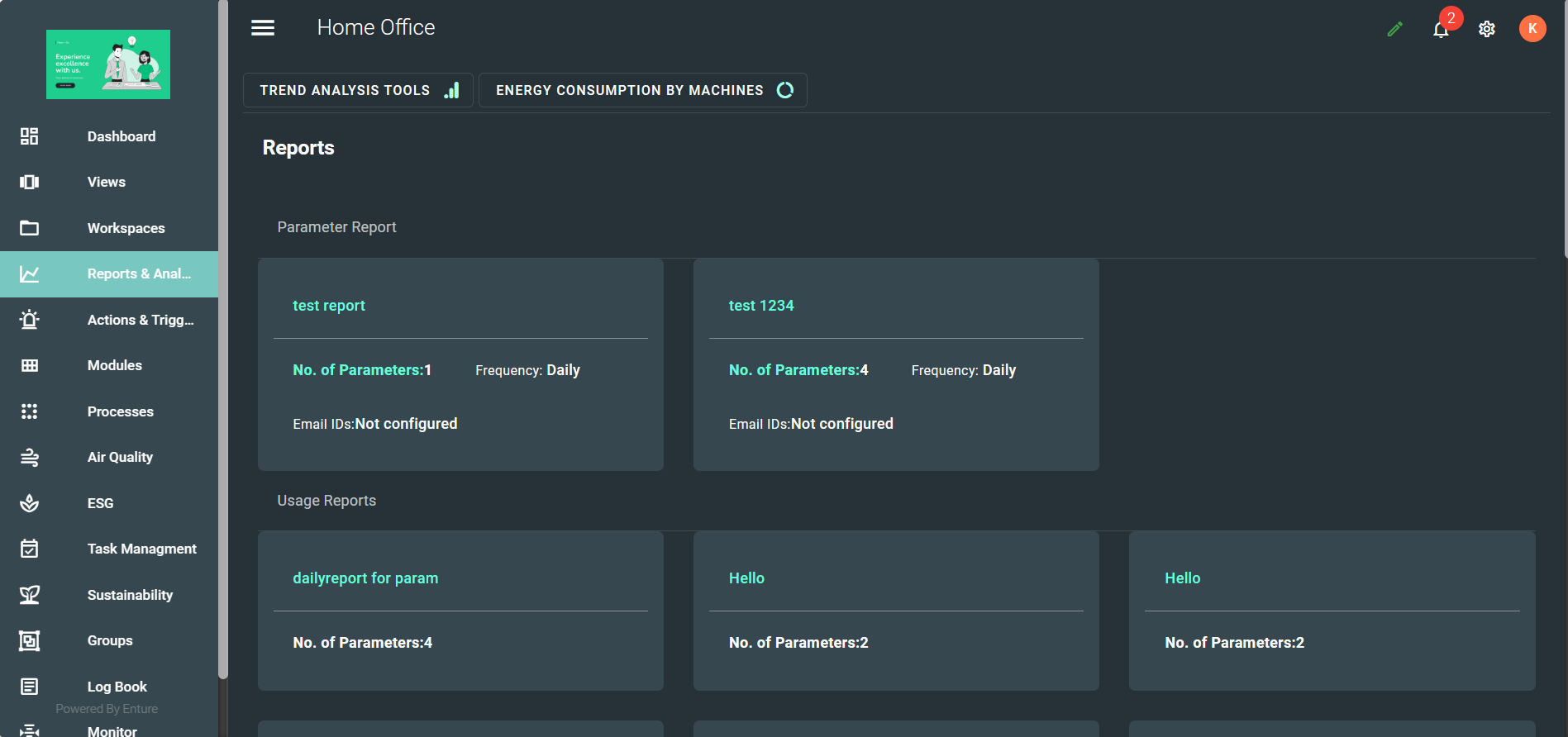
When you click on the "Reports & Analysis" option in the left-side menu, you will be taken to the respective page. It will look like the screenshot shown below:
Settings Mode
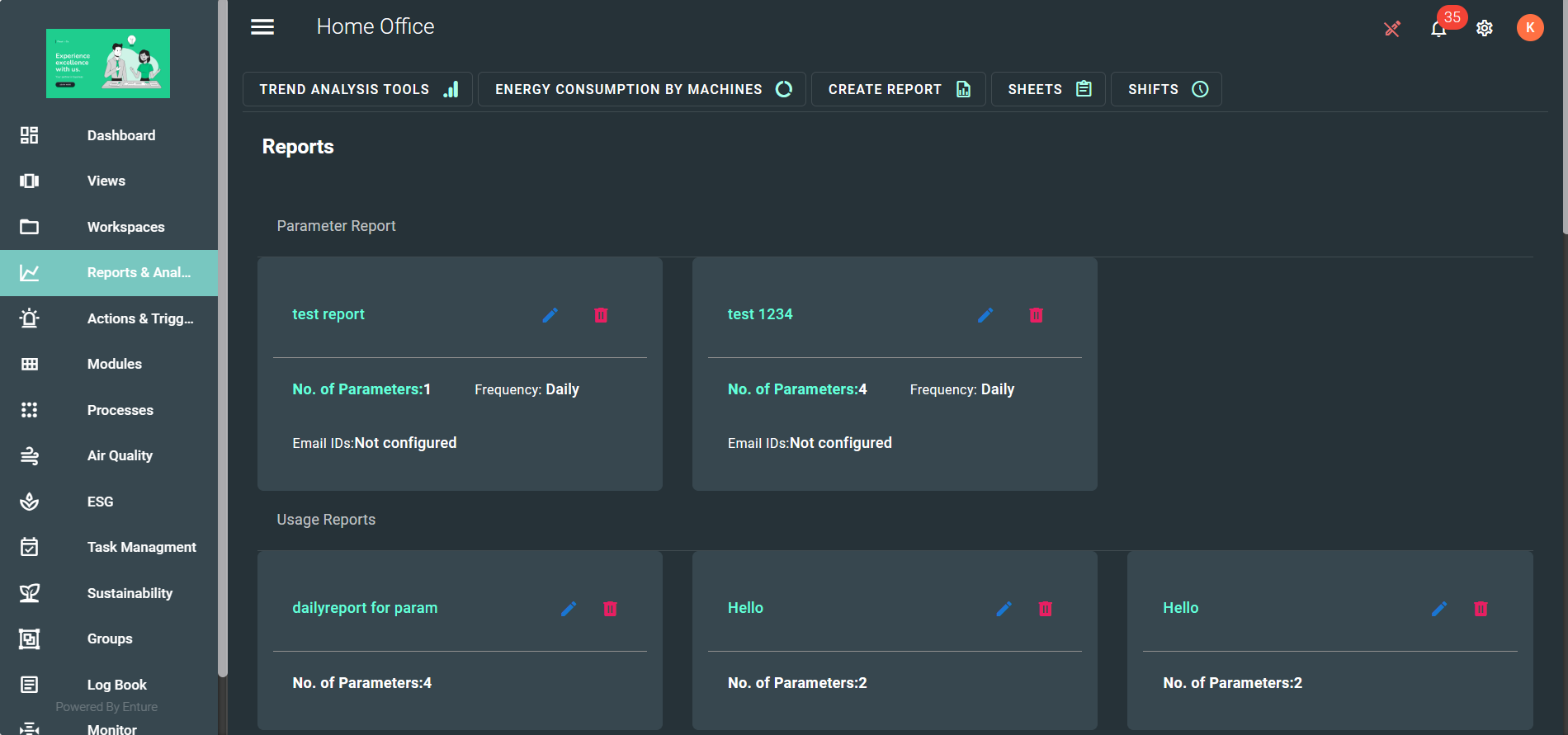
If you enable the "Settings" mode, the page will look like the example shown below:
Features of Reports & Analysis
The Reports & Analysis section includes the following features:
- TREND ANALYSIS TOOLS
- ENERGY CONSUMPTION BY MACHINES
- CREATE REPORT
- SHEETS
- SHIFTS