ESG Data Logbook
This log enables the tracking of ESG (Environmental, Social, and Governance) factors by inputting relevant details. By utilizing this log, stakeholders can monitor and analyze various aspects of ESG.
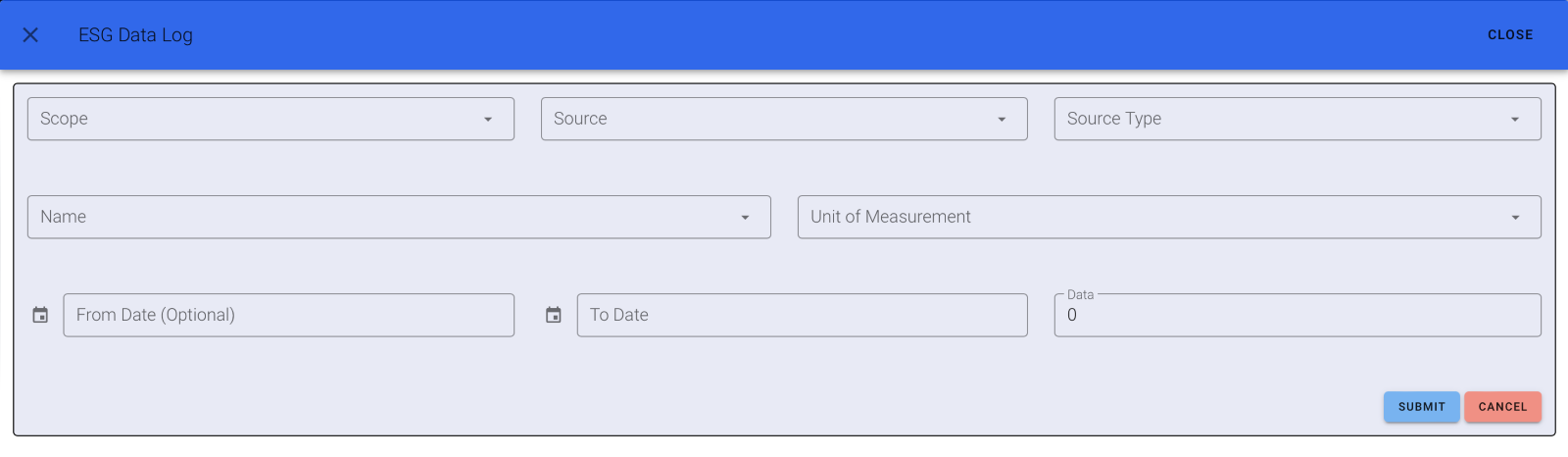
To start using ESG Data Logger, simply navigate to the derived Tab where you can find ESG Scope Logging.
Steps to Configure
- Choose the option "Create ESG Scope."
- Select the scope (Scope 1, Scope 2, or Scope 3)
- Add the source.
- Specify the source type.
- Provide a name.
- Enter the units of measurement.
- Input the emission factor.
- Return to the main screen and select the "Logbook" Tab.
- Click on "Add ESG Data."
- Choose the required details previously derived.
- Input the "From" and "To" dates.
- Enter the data value.
- Submit the data. You'll then be able to access the logbook, where you can track the data by selecting the desired date.