Add Modbus Gateway
When you click Add Modbus Gateway, you will get a pop-up form shown below. Enter all the required details and then click the Submit button.
Modbus Gateway Submission
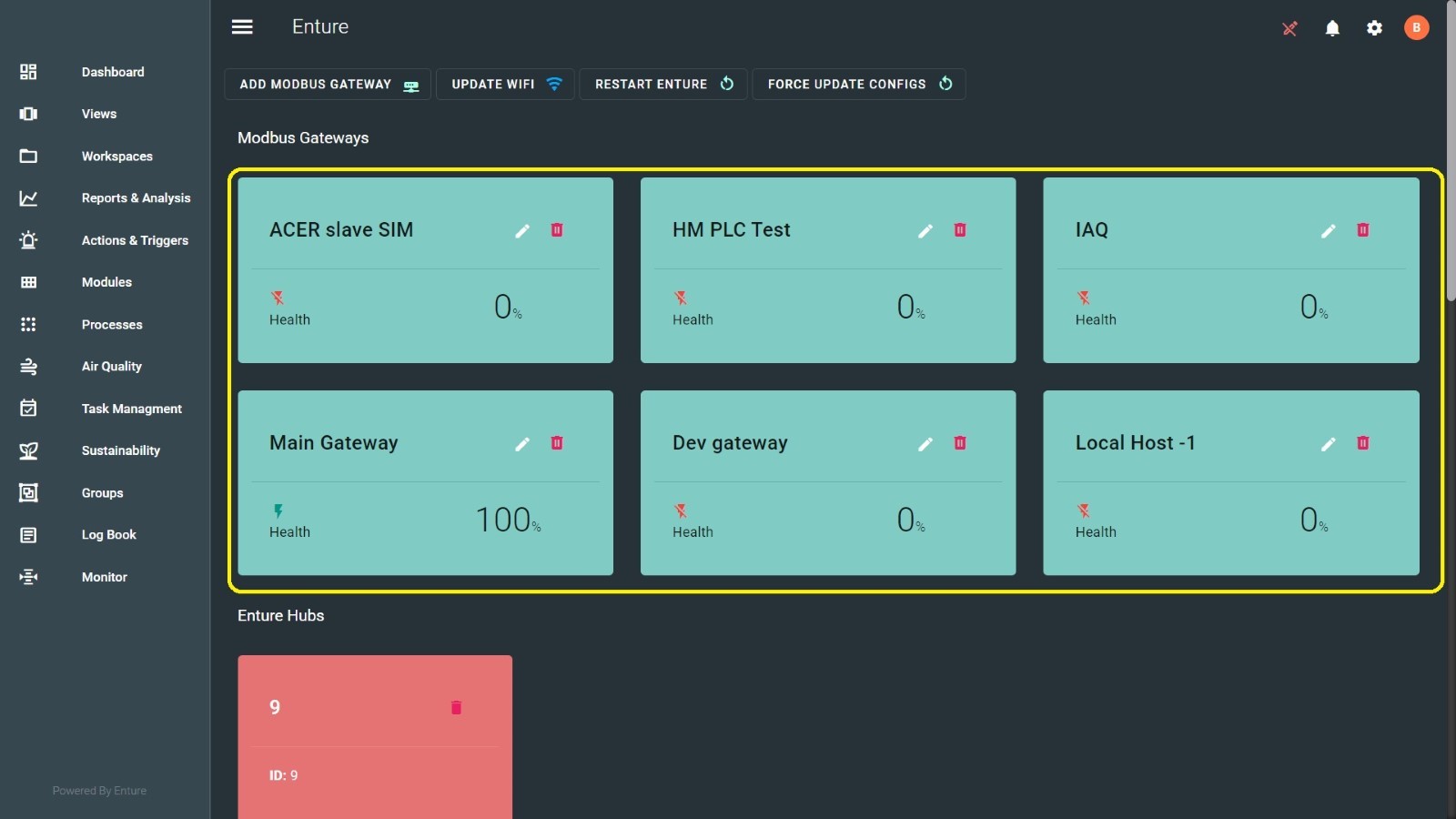
Once the Modbus Gateway is submitted, it will be added here as shown below:
Viewing Modbus Gateway Details
When you hover over the Modbus Gateways created, it will display all the details.
Editing Modbus Gateway
You can edit and update the Modbus Gateways. Click the pencil icon over the Modbus Gateway created. Here, you can update the Name, IP Address, and Port, then click the Submit button.
Deleting Modbus Gateway
You can also delete the Modbus Gateways using the delete icon.