Shift Based Usage Sheet
This sheet allows configuration of chosen shifts and machines across various processes to be added to the sheet.
How to Create a Shift Based Usage Sheet
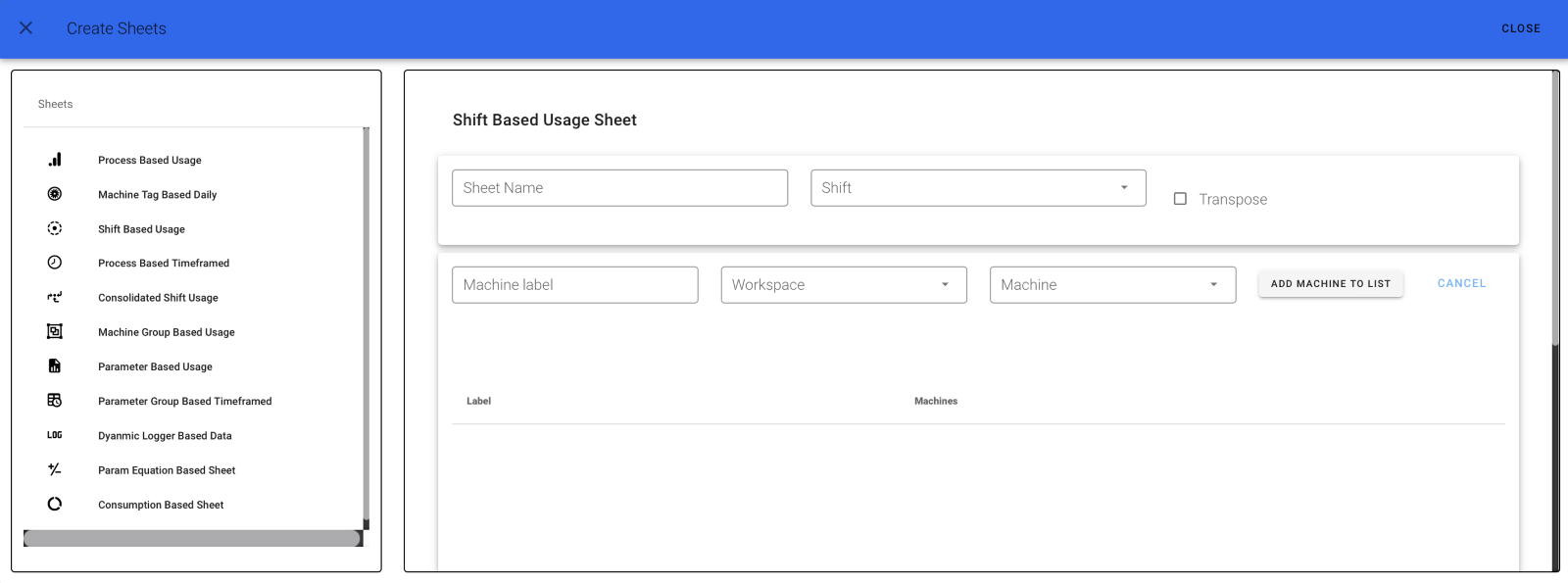
To create a Shift Based Sheet, click on the "Shift Based Usage Sheet" tab.
A page like the one below will appear:
Step 1
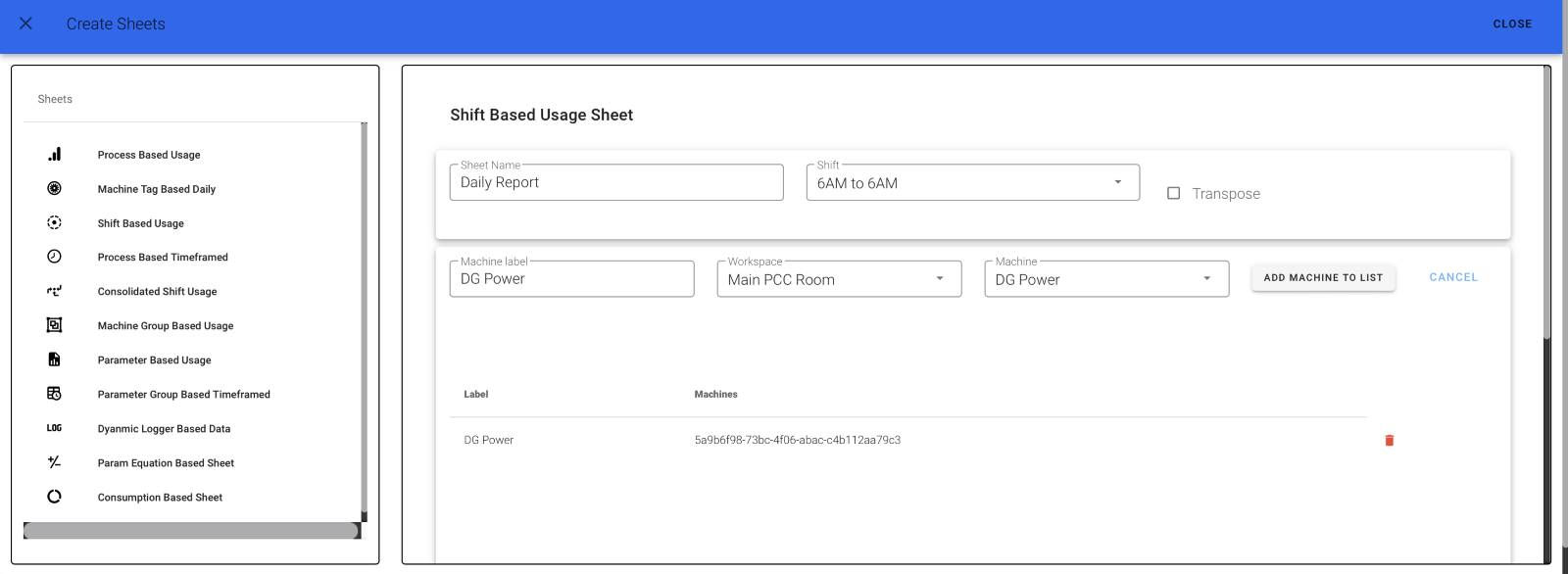
Give your sheet a name and select your shift.
To add a machine:
- Fill in the machine label
- Select your workspace and machine
- Click the "ADD MACHINE TO LIST" button
Your machine will be added.
Step 2
The page will now look like this:
Step 3
To add tag types to the machines: - Fill in the Label and select the Tag Type - Click the button, then click "ADD TAG TYPES TO LIST" - Finally, click Submit
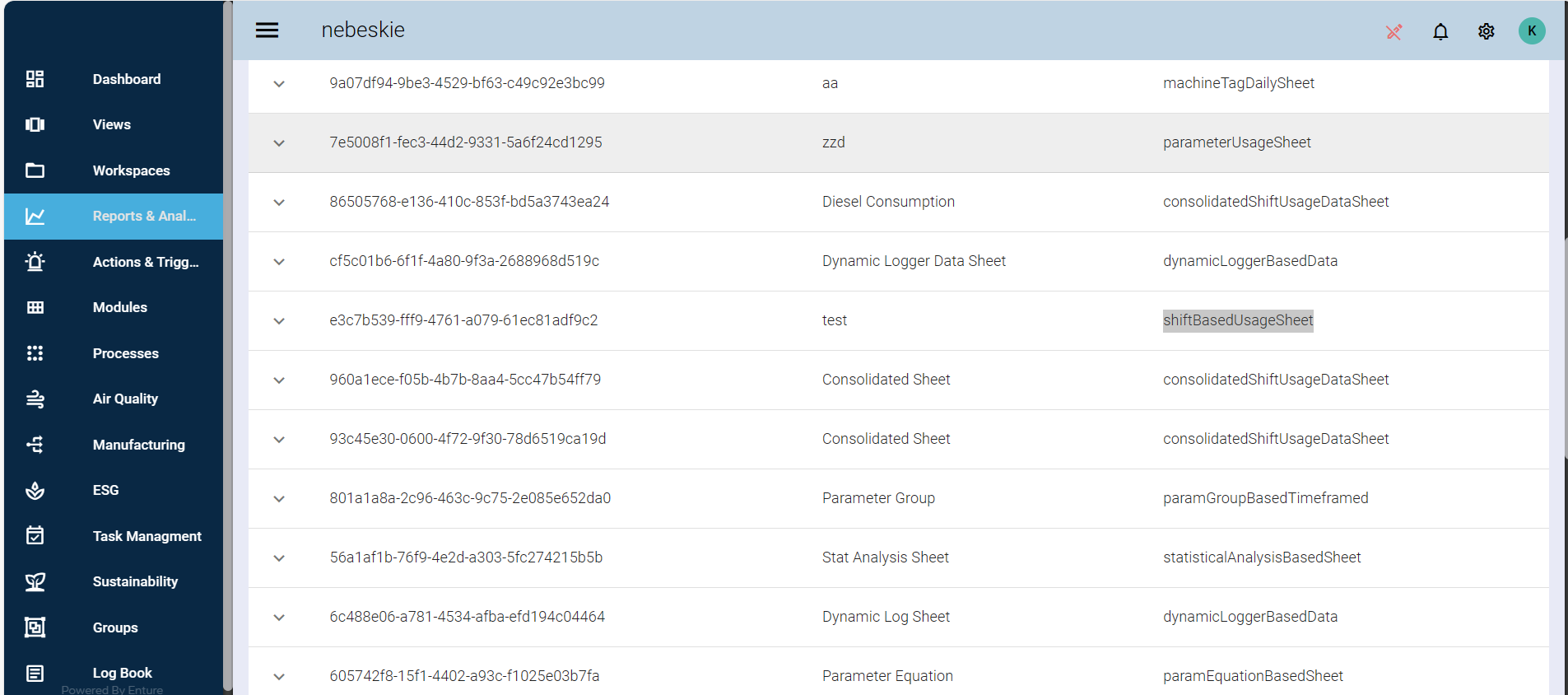
A fully created Shift Based Usage Sheet will look like the above.